

Best Office Layouts for Hybrid Teams in Boston
Running a hybrid team in Boston involves balancing remote and in-office work. The right office layout plays a key role in supporting collaboration while efficiently using space. Hybrid work tends to require more flexible, adaptable setups compared to traditional office designs.
The focus shifts from assigning one desk per employee to designing around utilization and behavior patterns. Most hybrid teams in Boston operate at about 50 to 70 percent peak occupancy, so office layouts should reflect this dynamic. Understanding local building types and neighborhood characteristics also influences design choices, as planning for the next generation of office space now requires a smaller, more intentional footprint.
Below are office options that illustrate different layouts well suited for hybrid teams in Boston.
Bright Modern Office Space in Downtown Boston
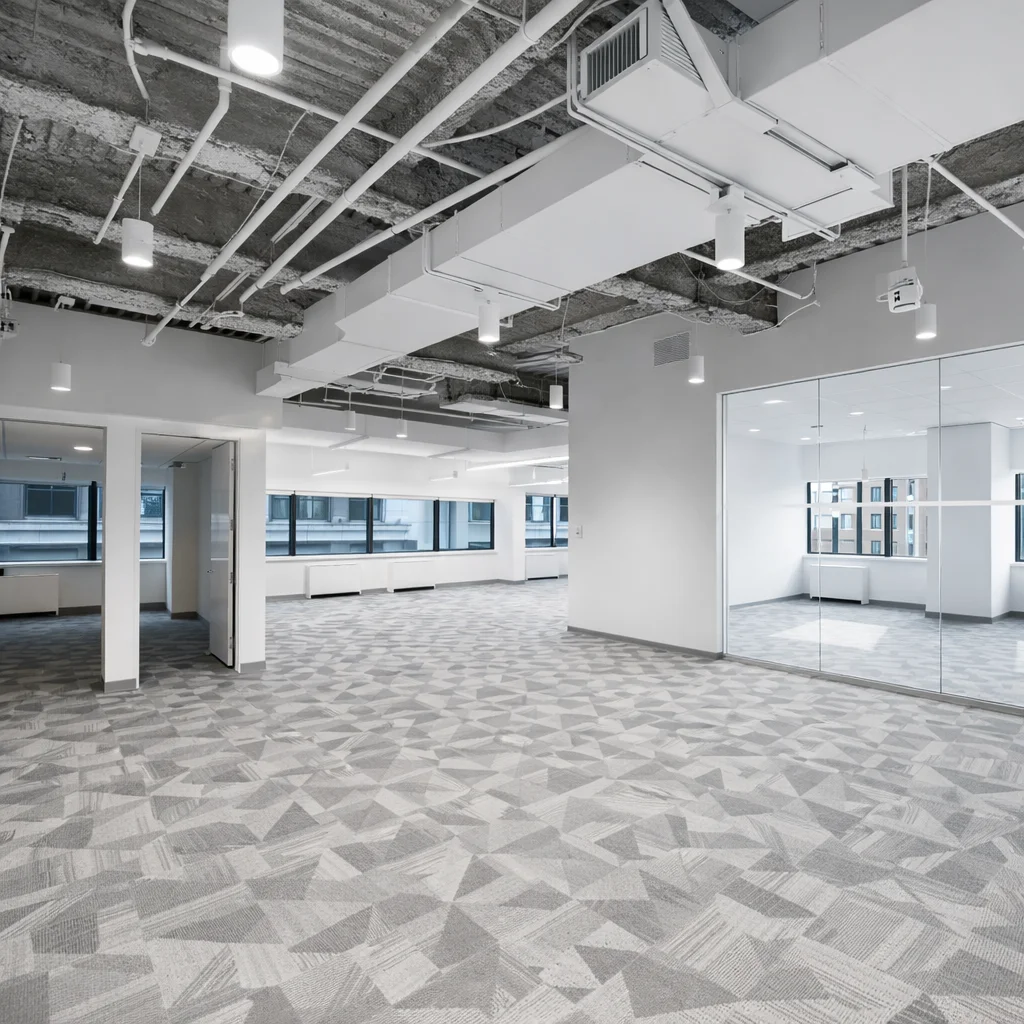
Address: 175 Federal St
Space Type: Private office
Price: ~$34,690/mo
Bright Office with Stunning Views in Back Bay Landmark
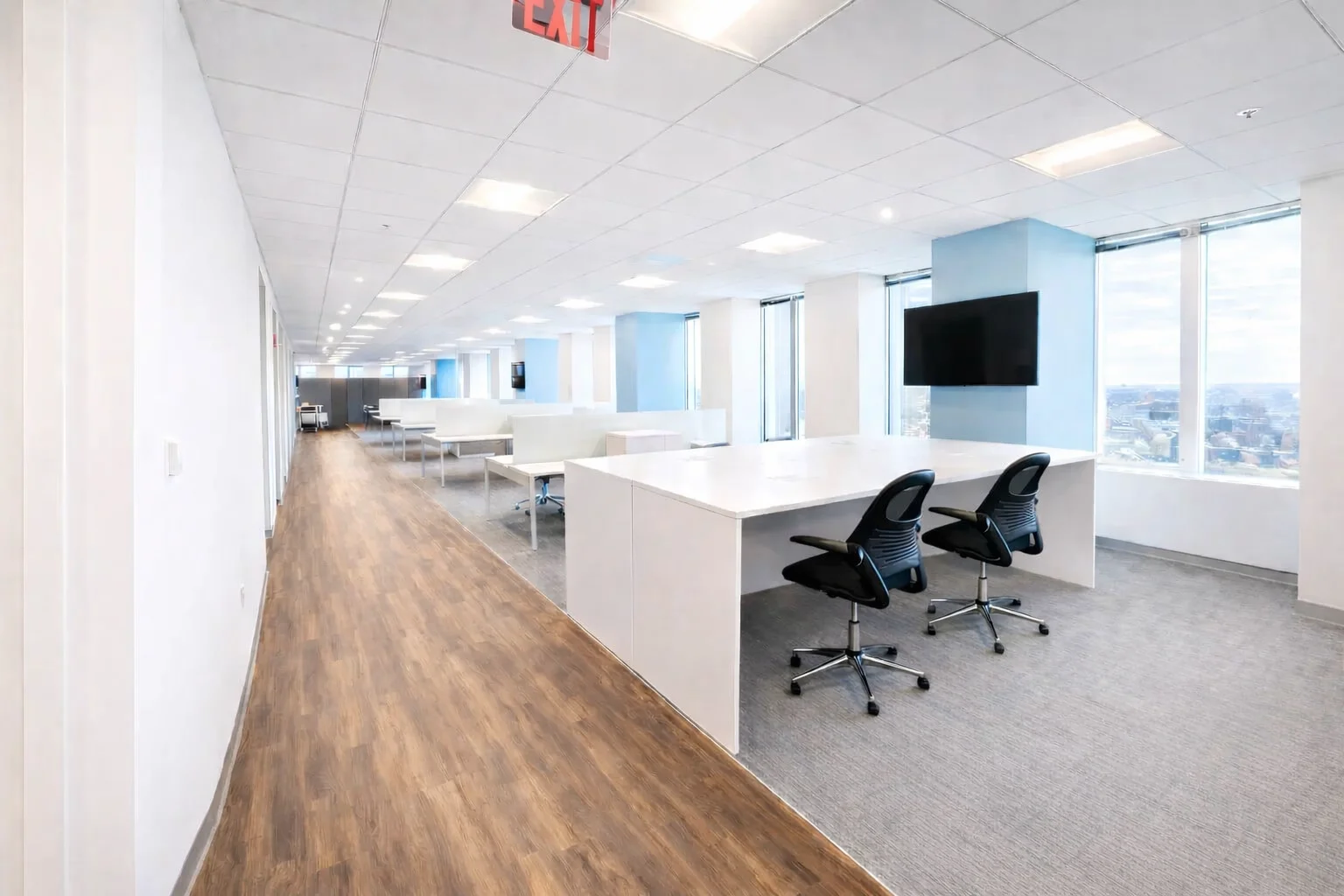
Address: 800 Boylston St
Space Type: Private office
Price: ~$25,000/mo
Modern Creative Space in Cambridge
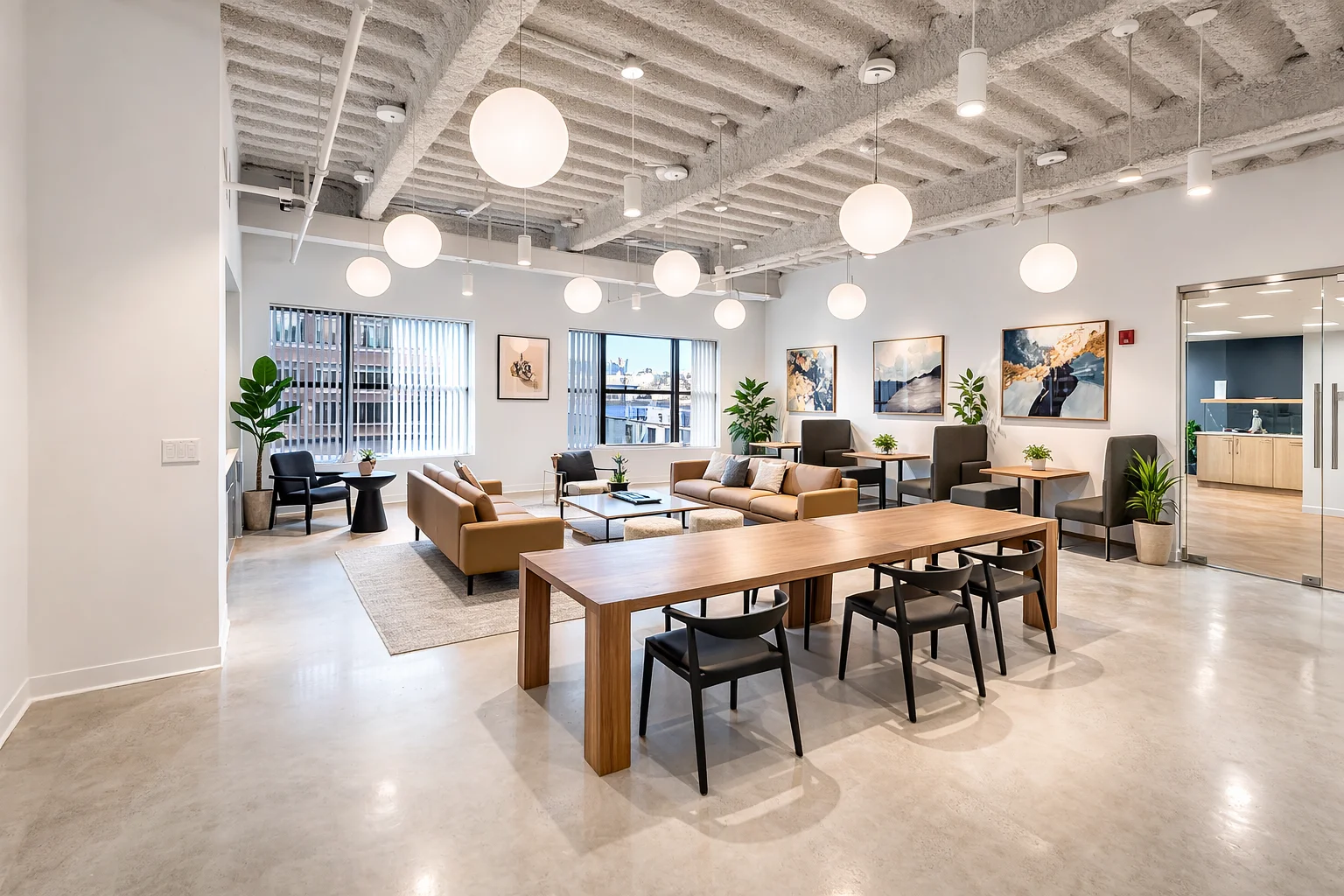
Address: 201 Broadway
Space Type: Private office
Price: ~$37,600/mo
Top Office Layouts for Hybrid Teams in Boston
Several office layout styles support hybrid work well, offering a mix of private space and collaboration zones. These layouts accommodate flexible occupancy and highlight adaptability, crucial for Boston’s hybrid culture.
- Open Plan with Collaboration Hubs: Uses wide, open floor plates with central commons or project tables. Ideal for fostering interaction on office days.
- Modular Glass Partition Layout: Combines limited private offices with flexible, glass-enclosed spaces that preserve light and enable reconfiguration.
- Touchdown and Hot Desk Zones: Provides unassigned desks with booking systems, supporting desk sharing and unpredictable in-office schedules.
- Zoned Departmental Spaces: Segments teams by work behavior—like creative, engineering, or sales—while avoiding rigid department-based layouts.
- Spec Suites and Pre-built Modular Offices: Suitable for smaller teams under 40, offering turnkey spaces with some customization for hybrid needs.
Each layout has merits depending on team size, office location in Boston, and expected utilization rates. For example, wide Seaport floor plates favor open hubs, while Back Bay’s character towers often require creative partitioning in more constrained footprints.
Features and Benefits of Each Layout
Open Plan with Collaboration Hubs
This layout prioritizes team interaction through shared central spaces. Collaboration areas often take up 35 to 45 percent of the overall footprint. In Boston’s Seaport, this suits companies wanting an open, light-filled environment that supports project-based work and client visits.
- Encourages spontaneous meetings and socializing.
- Central café-style areas improve hybrid culture and justify commute days.
- Adapts well to fluctuating occupancy with hot desks in collaborative zones.
Modular Glass Partition Layout
Glass partitions create private offices without blocking light or restricting flexibility. Modular systems allow teams to reconfigure spaces efficiently as they scale or shift work styles.
- Maintains openness while providing privacy for focused tasks.
- Ideal for teams needing occasional quiet without losing adaptability.
- Common in Boston's Financial District where rectangle layouts support this style.
Touchdown and Hot Desk Zones
Unassigned desks with a scheduling system help optimize utilization by allowing desk sharing. This approach requires clear anchor days or desk booking norms to avoid underuse.
- Supports flexible attendance and reduces wasted desks.
- Reflects current Boston hybrid team occupancy levels.
- Works best when combined with reliable workplace booking technology to manage daily flow.
Zoned Departmental Spaces
Dividing space based on team behavior, not just departments, aligns with how Boston hybrid teams utilize their workspace. For instance, engineers might have quiet zones, while sales teams benefit from more open settings.
- Matches work styles to space design.
- Increases productivity by reducing distractions through acoustic zoning.
- Demands input from leaders to understand specific team needs.
Spec Suites and Pre-built Modular Offices
Smaller hybrid teams often benefit from move-in-ready spec suites, which can be more cost-effective than full custom build-outs. Boston’s spec suites typically include some hybrid-focused features like collaboration nooks.
- Faster setup for teams under 40.
- Lower initial cost and risk.
- Greater flexibility with shorter lease terms or month-to-month options.
Tips for Choosing the Right Layout
Several factors influence which office layout fits Boston hybrid teams best:
- Team Size and Growth Plans: Smaller teams (under 40) usually find spec suites or modular layouts convenient. Larger groups may want custom designs that plan for growth with movable partitions.
- Work Patterns: Identify how different groups use the office—silent work, collaboration, client meetings—and allocate space accordingly.
- Neighborhood Considerations: Choose layouts that complement the building type. Seaport suits open, wide layouts. Back Bay requires efficient zoned spaces due to narrow floors. Financial District buildings favor rectangular desk sharing models that maximize utility.
- Utilization Forecasts: Design around 50 to 70 percent peak occupancy, not total headcount. Plan for roughly 100 to 125 square feet per active user in modern hybrid environments.
- Flexibility Over Permanence: Prioritize adaptable floor plans and non-permanent partitions to respond to pacing company needs or hybrid shifts.
- Desk Sharing Policies: Implement clear scheduling and anchor days to prevent underutilization. Hoteling systems benefit from predictable patterns.
Pro tip: Calculating rent per active user rather than total employees provides a clearer financial metric in hybrid office leasing scenarios.
Conclusion
Choosing the best office layout for hybrid teams in Boston means balancing collaboration and private work, while designing for real utilization patterns. Locations across Boston bring unique space characteristics that shape optimal layouts—from Seaport’s open plates to more zoned downtown offices.
Hybrid teams gain from flexible, adaptable spaces that evolve with workstyle shifts over at least 24 months. Incorporating adequate collaboration zones, thoughtful desk sharing, and Boston-specific building features helps hybrid setups succeed. As the market enters 2026, landlord concessions and strategic planning are increasingly critical for tenants.
Exploring options like those listed above can move teams closer to effective hybrid office environments designed for current needs and future growth. Teams can also benefit from understanding more about hybrid office searching and decision workflows to optimize space choice.

.webp&w=750&q=75)